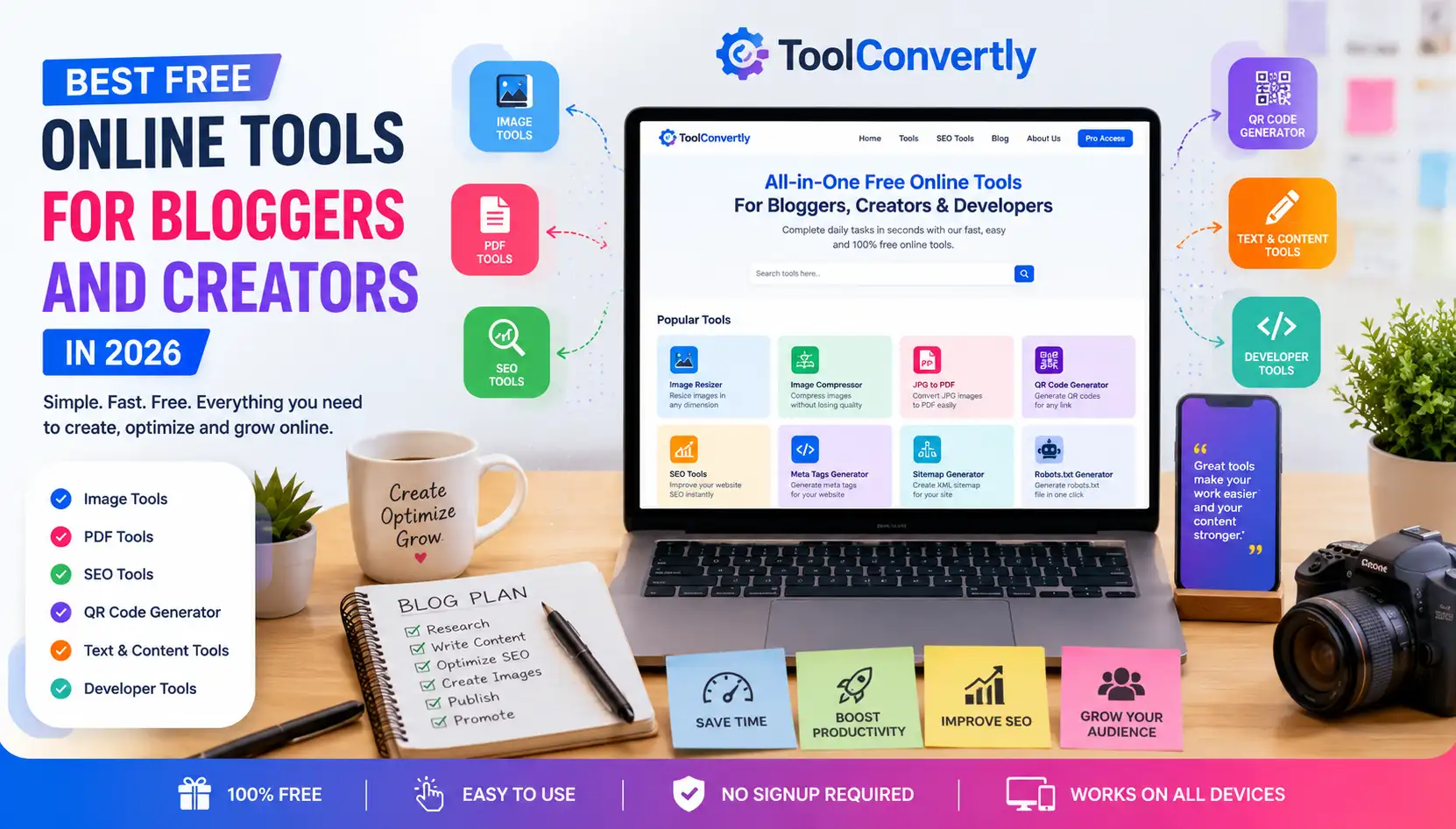
Best Free Online Tools for Bloggers and Creators in 2026
Discover simple browser-based tools that help you edit images, convert files, improve SEO, create QR codes, and grow your content faster.
Blogging and content creation are no longer just about writing a post and publishing it. Today, bloggers, creators, students, developers, and website owners need fast tools for images, PDFs, SEO, social media, file conversion, and productivity.
That is why free online tools have become so important for anyone who works online. Whether you are creating blog images, converting JPG files to PDF, compressing photos, generating QR codes, writing captions, or checking basic SEO elements, the right tools can save hours of work.
What Are Free Online Tools?
Free online tools are browser-based utilities that help users complete common digital tasks without downloading software. These tools can help with image editing, PDF conversion, SEO optimization, QR code creation, text formatting, code formatting, and many other everyday tasks.
For example, instead of installing a full design program just to resize one image, you can use an online image resizer. Instead of installing PDF software to turn photos into a document, you can use a JPG to PDF converter.
This is why platforms like ToolConvertly are useful for beginners and professionals. They bring multiple simple tools into one place so users can complete small but important tasks quickly.
Why Bloggers and Creators Need Free Online Tools
A blogger may start with writing, but soon they need many other things. They need blog thumbnails, optimized images, PDFs, SEO checks, social media captions, hashtags, and sometimes basic developer tools for website customization.
Creators face the same problem. A YouTuber may need a thumbnail image, a QR code for a channel link, a PDF media kit, and captions for Instagram. A student may need to convert images into PDF files. A small business owner may need SEO tools, QR codes, compressed images, and simple content utilities.
Free online tools are important because they reduce cost, save time, and make technical tasks easier for non-technical users.
Best Free Online Tools for Bloggers and Creators
1. Image Resizer Tool
Images are a big part of blogging and content creation. But large images can slow down websites and make pages harder to load, especially on mobile devices. An image resizer helps you adjust the width, height, and dimensions of an image before uploading it to your blog or social media platform.
For example, if your blog layout only needs an image that is 1200 pixels wide, uploading a 5000-pixel image is unnecessary. Resizing the image makes it lighter, cleaner, and easier to manage.
Before uploading images to your blog, resize them according to your website layout. This helps improve speed and user experience.
2. Image Compressor Tool
Image compression reduces file size while keeping the image quality acceptable. This is one of the most useful tools for bloggers because heavy images can slow down page loading speed.
A food blogger, travel blogger, or news website may upload many images every week. If each image is too large, the website becomes slow. A simple image compressor can reduce file size and make pages load faster.
3. JPG to PDF Converter
A JPG to PDF converter is useful when you need to turn images into a single document. Students can use it for assignments, bloggers can use it for downloadable guides, and creators can use it for portfolios or client files.
Instead of sending multiple image files separately, you can combine them into one clean PDF document. This looks more professional and is easier to share.
Try Free JPG to PDF Converter4. QR Code Generator
QR codes are now used everywhere. Bloggers, business owners, YouTubers, restaurants, event organizers, and creators use QR codes to share links quickly.
You can create a QR code for your website, Instagram profile, YouTube channel, contact page, digital menu, portfolio, or product page. This is especially useful for offline promotion because users can scan the code and visit your link instantly.
Create a Free QR Code5. SEO Tools for Content Optimization
Every blogger wants more traffic, but traffic does not come only from publishing content. Your article should also be optimized properly. SEO tools help bloggers check important elements before publishing.
Useful SEO tools include meta tag generators, keyword density checkers, robots.txt generators, sitemap generators, schema markup tools, title length checkers, and meta description checkers.
Explore Free SEO Tools6. Social Media Caption and Hashtag Tools
Social media promotion is important for bloggers and creators. But writing captions every day can become difficult. Caption tools and hashtag generators help you create ideas faster.
The goal is not to copy everything blindly. The best approach is to use the tool for ideas, then edit the output in your own voice.
7. Developer Tools for Website Owners
Many bloggers and website owners are not full-time developers, but they still need small developer utilities sometimes. They may need to format JSON, clean HTML, minify CSS, generate colors, test regex, create UUIDs, or convert timestamps.
How to Use Free Online Tools Effectively
Step 1: Identify the task
First, understand what you need to do. Do you want to resize an image, compress a file, convert JPG to PDF, generate a QR code, or check SEO details?
Step 2: Upload or enter your content
Most tools ask you to upload a file, paste text, enter a URL, or choose settings.
Step 3: Choose your settings
Some tools allow customization. You may choose image size, PDF page order, QR code color, compression level, or text format.
Step 4: Download or copy the result
After the tool processes your task, download the file or copy the generated result. Always review the final output before using it publicly.
Practical Example: A Blogger’s Weekly Workflow
| Task | Tool Needed | Benefit |
|---|---|---|
| Prepare blog images | Image resizer | Better layout and faster upload |
| Reduce image size | Image compressor | Faster page loading |
| Create downloadable guide | JPG to PDF converter | Professional document sharing |
| Optimize article | SEO tools | Better search visibility |
| Promote on social media | Caption and hashtag tools | Faster promotion |
Best Practices for Choosing Free Online Tools
- Choose tools that are simple and easy to understand.
- Check that the tool works well on mobile and desktop.
- Prefer browser-based tools that do not need installation.
- Avoid tools with too many restrictions or confusing steps.
- Always review the final output before publishing or sharing.
Common Mistakes Bloggers and Creators Should Avoid
Using oversized images
Uploading large images directly from your phone or camera can slow down your website. Resize and compress images before publishing.
Ignoring SEO basics
Many beginners publish content without optimizing the title, meta description, headings, URL slug, or internal links.
Using too many platforms
Jumping between too many websites wastes time. A central platform with multiple tools can make your workflow easier.
Why ToolConvertly Is Useful for Bloggers and Creators
ToolConvertly is designed for people who need simple, fast, and free online tools in one place. Instead of visiting separate websites for image tools, PDF tools, SEO tools, QR code tools, and developer utilities, users can find many useful tools under one platform.
This makes it helpful for beginners, bloggers, website owners, students, developers, freelancers, and creators who want to complete common tasks without complicated software.
Explore Free Tools on ToolConvertlySuggested Images to Add Inside This Blog
- A blogger using online tools on a laptop
- Before and after image compression example
- JPG files converting into a PDF document
- QR code being scanned with a mobile phone
- SEO checklist for blog publishing
FAQ: Best Free Online Tools for Bloggers and Creators
1. What are the best free online tools for bloggers?
The best free online tools for bloggers include image resizers, image compressors, JPG to PDF converters, SEO tools, QR code generators, caption generators, and developer utilities.
2. Are free online tools enough for beginners?
Yes, free online tools are usually enough for beginners. Most new bloggers and creators need simple tools for image editing, file conversion, SEO checks, and social media content.
3. Can free online tools help with SEO?
Yes, free online tools can help with basic SEO tasks like creating meta tags, checking keyword density, generating sitemaps, creating robots.txt files, and adding schema markup.
4. Why should creators use browser-based tools?
Browser-based tools are fast and convenient. You do not need to install software, create complicated setups, or use device storage.
5. Is ToolConvertly useful for bloggers and creators?
Yes, ToolConvertly is useful because it provides multiple free online tools in one place for images, PDFs, SEO tasks, QR codes, social media content, and developer utilities.
Conclusion
Blogging and content creation become much easier when you have the right tools. Free online tools help users save time, reduce costs, improve productivity, and complete everyday digital tasks without installing software.
From image resizing and compression to JPG to PDF conversion, SEO optimization, QR code generation, and social media captions, these tools support almost every part of a creator’s workflow.
If you are a beginner, blogger, student, developer, website owner, or creator, using free online tools can make your work faster and more organized. ToolConvertly brings many of these helpful tools together so you can complete your tasks from one simple platform.