How to Convert Images to PDF on Mobile in 5 Easy Steps
Modern smartphones make it easy to capture and share images. From documents and receipts to notes and forms, most of this content starts as an image.
But when it comes to sharing or organizing these files professionally, images alone are not always enough.
If you are wondering how to convert images to PDF on mobile, this guide will show you the easiest method using simple online tools—no installation required.
Table of Contents
- Key takeaways
- Why convert images to PDF on mobile
- How to convert images to PDF on mobile
- Convert multiple images into one PDF
- Tips for better PDF output
- Mobile tools vs apps
- Security and privacy
- FAQ
- Conclusion
Key takeaways
- You can convert images to PDF on mobile in just a few steps
- PDF format is ideal for sharing and organizing documents
- Multiple images can be combined into one PDF file
- Online tools make the process fast and simple
- Secure processing keeps your files safe
Why convert images to PDF on mobile
Images are easy to capture, but PDFs are easier to manage and share.
Most users need to convert images to PDF on mobile when dealing with documents such as scanned pages, invoices, forms, or notes. PDFs keep everything structured and professional.
Instead of sending multiple images, converting them into a single PDF file improves organization and readability.
How to Convert Images to PDF on Mobile
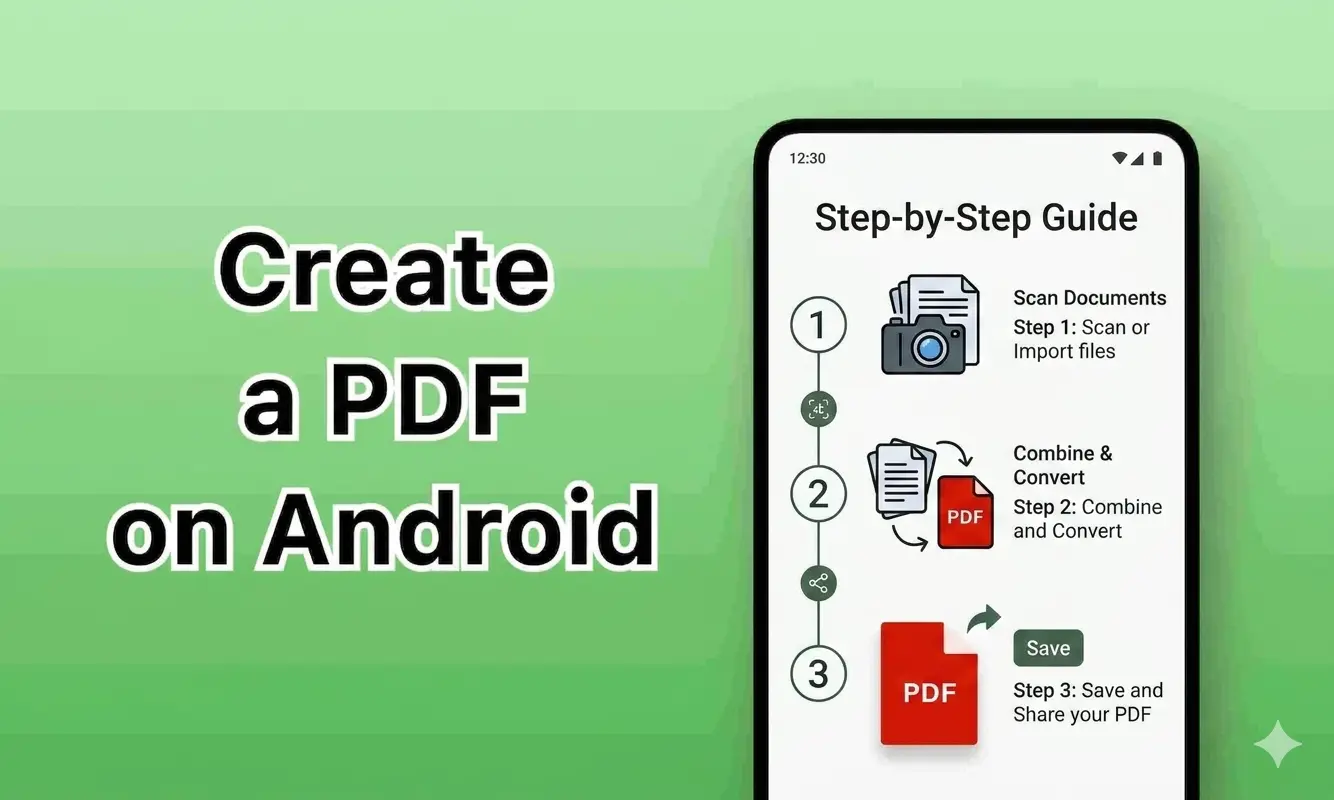
If you want to know exactly how to convert images to PDF on mobile, follow these simple steps:
Step 1: Open your browser
Use any browser on your mobile device.
Step 2: Open an Image to PDF tool
Go to your Image to PDF converter tool
Step 3: Upload your images
Select images from your gallery. Supported formats include JPG, PNG, and WEBP.
Step 4: Arrange images
Reorder images if needed before conversion.
Step 5: Click convert
Start the process by clicking the convert button.
Step 6: Download your PDF
Once the process is complete, download your file instantly.
This method helps you convert images to PDF on mobile quickly and efficiently without installing any application.
Convert Multiple Images into One PDF
One major benefit is combining multiple images into a single file.
You can easily convert images to PDF on mobile and merge them into one document. This is useful for:
- Assignments and reports
- Business documents
- Receipts and invoices
Using a single file makes sharing and storage much easier.
Tips for Better PDF Output
To get the best results:
- Use high-resolution images
- Capture images in good lighting
- Arrange files in correct order
- Avoid compressing images before conversion
Following these tips ensures high-quality output when you convert images to PDF on mobile.
Mobile Tools vs Apps
Many users compare online tools with mobile apps.
Online tools
- No installation required
- Fast and easy
- Works on all devices
Apps
- Require installation
- Take storage space
- May need updates
For most users, online tools are the easiest way to convert images to PDF on mobile free.
Security and Privacy
When handling documents, security matters.
A reliable tool should provide:
- Secure HTTPS connection
- Automatic file deletion
- No permanent storage
For more information about PDF security, you can refer to an external resource like Wikipedia .
FAQ
How to convert images to PDF on mobile for free?
You can use online tools that allow free conversion directly from your browser.
Can I convert multiple images into one PDF?
Yes, most tools allow you to combine multiple images into a single file.
Do I need to install an app?
No, you can complete the process online without installing anything.
Will image quality be reduced?
No, a good tool maintains image quality during conversion.
Bringing it all together: faster conversion, better organization
Understanding how to convert images to PDF on mobile makes it easier to manage files efficiently.
With the right approach:
- You save time
- You keep files organized
- You improve document quality
The result is simple: faster workflows and better file management.
Use Our Image to PDF Tool
Ready to convert your images?
Use our Image to PDF converter to convert images to PDF on mobile instantly.
No signup required. Fast, secure, and easy to use.