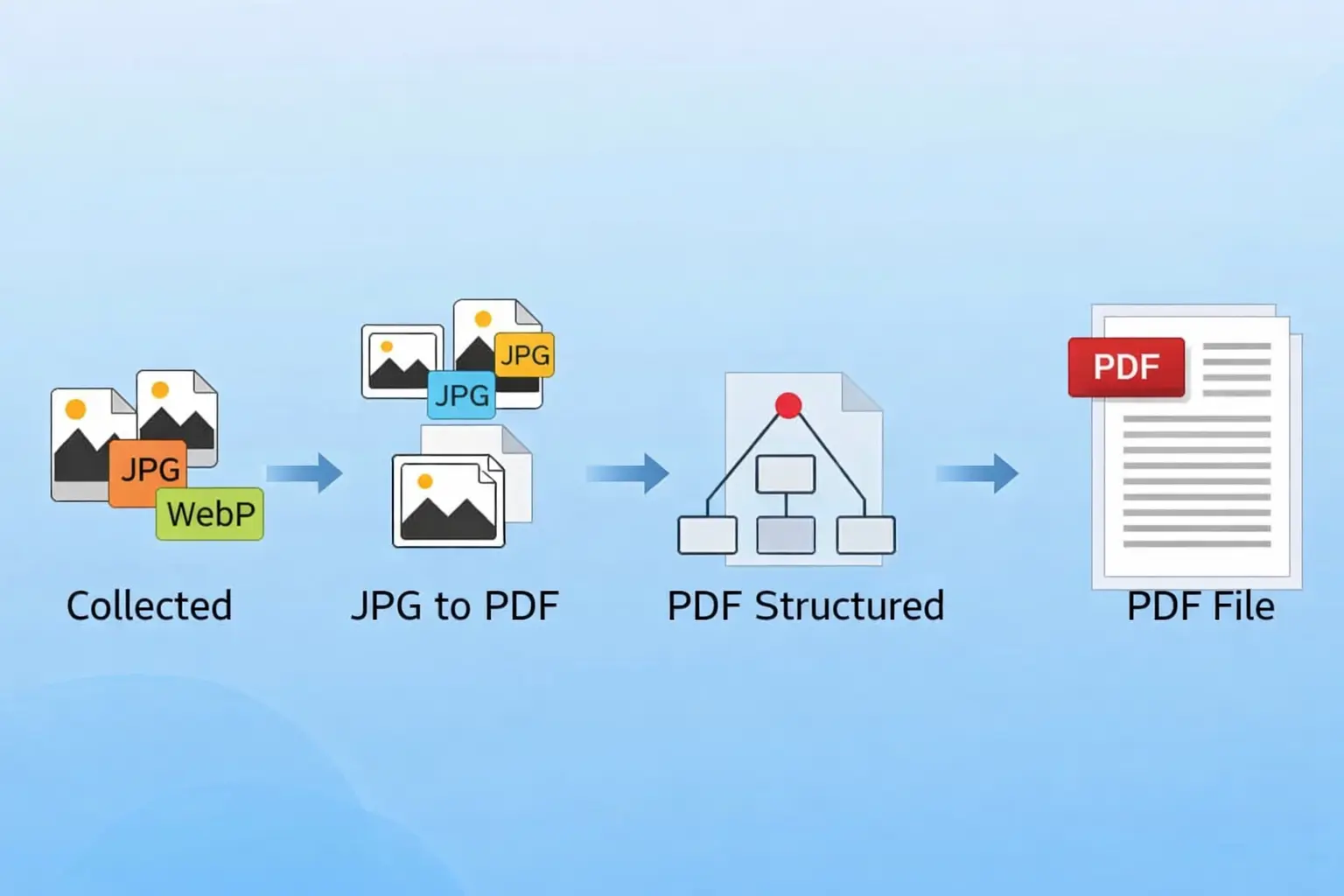
How to Convert JPG to PDF
If you’re looking for a simple way to manage images professionally, learning how to convert JPG to PDF can be extremely useful. Whether you need to share documents, submit forms, or organize images, converting JPG files into PDF format ensures better compatibility and presentation.
In this guide, you’ll learn how to convert JPG to PDF online quickly and without losing quality.
Why Convert JPG to PDF?
Before we get into the steps, it’s important to understand why many users prefer PDF format:
- PDFs are universally supported across devices
- Multiple images can be combined into a single file
- Better for printing and document sharing
- Maintains layout and formatting
How to Convert JPG to PDF Online
Follow these simple steps to convert your images:
Step 1: Upload Your JPG Image
Go to your image converter tool and upload your JPG file using the upload button or drag-and-drop feature.
Step 2: Select PDF as Output Format
Choose PDF as the output format from the available options.
Step 3: Adjust Settings (Optional)
Some tools allow customization such as:
- Page size (A4, Letter)
- Orientation (portrait or landscape)
- Margin settings
Step 4: Click Convert
Click on the convert button to start the process. The tool will instantly convert your JPG image into a PDF file.
Step 5: Download Your PDF
Once the conversion is complete, download your PDF file. It will be ready for sharing or printing.
Tips for Best Conversion Results
To get high-quality output:
- Use high-resolution JPG images
- Avoid compressing images before conversion
- Choose the correct page size for your needs
- Combine multiple images in proper order
Convert Multiple JPG Files into One PDF
One of the biggest advantages is that you can combine multiple JPG images into a single PDF document. This is especially useful for:
- Scanned documents
- Assignments and reports
- Image collections
Common Mistakes to Avoid
- Uploading low-quality or blurry images
- Ignoring page layout settings
- Using unreliable tools that reduce quality
- Not checking the final PDF before downloading
Best Use Cases
Converting JPG to PDF is useful for:
- Office documents
- School and college submissions
- Business presentations
- Legal and official files
Frequently Asked Questions
How to convert JPG to PDF for free?
You can use online tools that allow free conversion without requiring installation or signup.
Can I convert multiple JPG files into one PDF?
Yes, most tools support combining multiple images into a single PDF.
Will image quality reduce after conversion?
No, if you use a reliable tool, the quality remains intact.
Conclusion
Now that you know how to convert JPG to PDF, you can easily manage your images in a more professional and organized format. The process is simple, fast, and does not require any technical expertise.
Using the right tool ensures that your files remain high-quality and ready for any purpose.